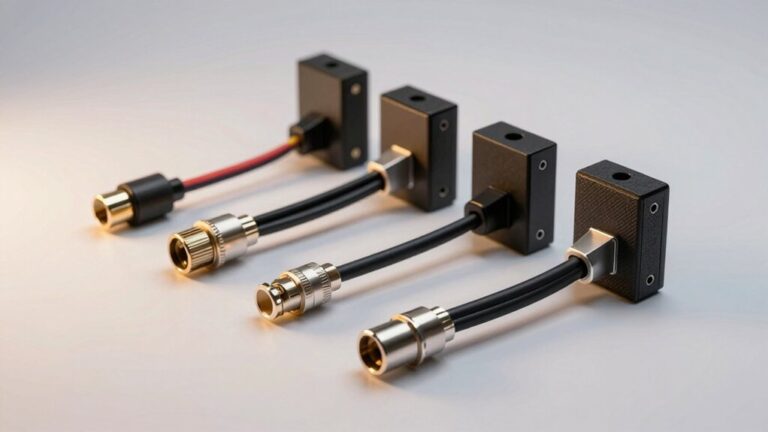
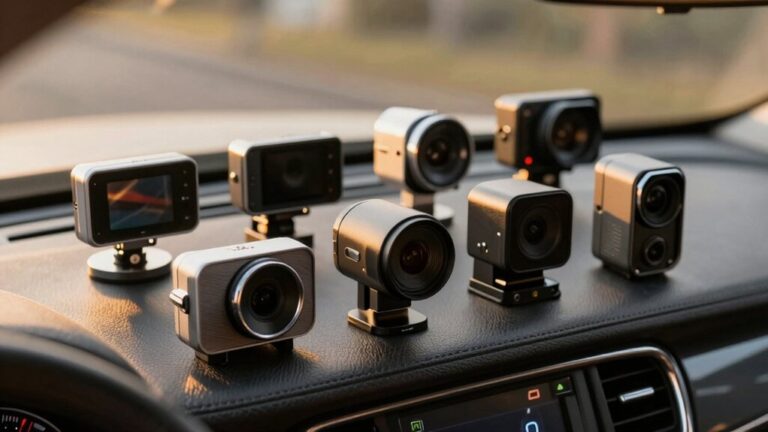
To hardwire your dash cam, you’ll first locate your vehicle’s fuse box and identify an accessory circuit using a multimeter to test for switched power. Install a fuse tap with a 2A-5A fuse connected to the dash cam’s power wire, while maintaining the original circuit fuse. Connect the ground wire to a clean metal chassis point, then route the cables through your dashboard trim using a plastic tool. Test the installation by starting your vehicle and verifying parking mode activates properly—the following sections provide detailed circuit specifications and safety protocols.
Gather Your Tools and Locate the Fuse Box
Before you begin hardwiring your dash cam, you’ll need to gather the proper tools and locate your vehicle’s fuse box. Essential tools include a fuse puller, circuit tester or multimeter, and your owner’s manual for precise fuse identification techniques. Most vehicles have an interior fuse box located under the dashboard on the driver’s side beneath the steering column, plus an engine compartment box near the battery.
Safety precautions are critical: make certain your vehicle is completely off with the key removed from the ignition. Consult the fuse diagram printed inside the fuse box cover or your owner’s manual to identify circuit names and functions. You’ll need to select a fuse providing switched power—typically the cigarette lighter or accessory circuit—to power your dash cam properly. Be aware that electrical overloads can damage fuses, so choose a circuit with adequate capacity for your dash cam’s power requirements. To ensure optimal performance, consider using a high-endurance microSD card (U3/V30 rated) in your dash cam for reliable continuous recording. Many hardwire kits include a voltage cut-off feature that prevents your car battery from draining when the dash cam operates in parking mode. Additionally, gather wire strippers and zip ties to ensure a neat, secure installation of your hardwiring kit and cables. Once installed, ensure your dash cam placement complies with state-specific laws regarding windshield obstruction, which typically restrict mounting areas to behind the rearview mirror or within designated zones. While a properly installed dash cam won’t directly lower your insurance rates, the footage it captures can prove you’re not at fault in accidents and help protect you from fraudulent claims.
Choose the Right Fuses for Power and Parking Mode
Once you’ve located your vehicle’s fuse box, you’ll need to select the appropriate fuses to power your dash cam safely and enable its features. Understanding fuse ratings is critical: use a 2A to 5A fuse on the dash cam side while maintaining the original 10A to 30A circuit fuse. Power types determine functionality—tap an accessory fuse for normal operation or a constant power fuse to enable parking mode. Test circuits with a multimeter to verify power availability. Fuse orientation matters greatly; the tap’s wire must connect to the voltage-input side to prevent circuit failure. Ascertain compatibility issues don’t arise by matching fuse tap types (mini, micro2, low-profile) to your vehicle’s fuse box. Follow safety precautions: verify polarity, seat connections firmly, and never exceed rated capacities. Constant power fuses include a built-in voltage limiter to prevent battery drainage while maintaining parking mode functionality. Consider using an intelligent hardwiring cable with voltage monitoring to automatically cut power when battery voltage drops too low. Advanced dash cams with radar motion detection can further optimize battery conservation during extended parking mode operation. The hardwiring kit connects directly to the vehicle’s fuse box, providing continuous power that allows parking mode recording even when the car is off. For a clean installation, route and hide wires neatly along the trim for a professional finish while ensuring all connections remain secure and accessible for future maintenance. A properly hardwired dash cam provides objective video evidence that can strengthen insurance claims and protect you from fraudulent accidents.
Establish a Proper Ground Connection
For reliable dash cam operation, you must establish a solid ground connection that provides a stable return path to your vehicle’s battery negative terminal. Ground wire selection begins with locating an unpainted, clean metal surface on your vehicle’s chassis—typically near the fuse box or under the dashboard. Factory ground points offer best grounding performance. If paint or rust exists, sand to bare metal or choose another location.
Attach the dash cam’s black ground wire using a bolt with crimp connectors or grounding rings, guaranteeing tight fastening against vibrations. Test the connection with a multimeter before finalizing installation. Route the wire neatly using cable clips, avoiding airbags and moving parts. When running wires along the A-pillar, take precautions to avoid interfering with airbags. Many modern dual channel dash cams like the Rexing DT2 support 24/7 parking monitoring when paired with a hardwire kit, making proper grounding even more critical for continuous operation. A proper ground eliminates electrical noise, prevents erratic shutdowns, and guarantees stable operation. This stable power delivery is especially important for features like GPS tracking and cloud integration that many premium dash cams now offer. A reliable ground connection also ensures that advanced features such as collision detection and automatic cloud backups function properly during critical recording moments. Quality models with dual front and rear channels require consistent power to simultaneously record from multiple angles without interruption. Hardwired dash cams with Parking Mode enabled can automatically activate recording when motion or impact is detected, providing surveillance even when your vehicle is parked and turned off.
Run and Hide the Wiring Through Your Dashboard
After securing your ground connection, you’ll need to route the dash cam’s power cable invisibly through your vehicle’s interior to maintain a factory-clean appearance while protecting the wiring from damage.
Start by tucking the cable between the windshield and headliner using a plastic trim tool. Remove the A-pillar trim carefully—avoiding airbag wiring—and route the cable through its hollow interior. Secure with adhesive clips to prevent sagging.
Navigate the cable under the dashboard toward the fuse box, bundling excess wire with zip ties for proper cable management. Use trim panels and factory channels to conceal all visible wiring. Proper cable routing eliminates loose, dangling cables that detract from your vehicle’s interior aesthetics.
Prioritize wiring safety by avoiding heat sources, moving parts, and control interference. Make certain cables remain insulated and secured throughout, preventing abrasion or circuit damage. Consider using weather strips along door frames to further conceal wiring while maintaining waterproofing. Ensure your dash cam mount uses a secure attachment method like suction cups or adhesive pads to maintain stable positioning during operation. Before completing installation, verify your dash cam’s microSD card capacity meets your recording needs based on resolution and trip duration. Quality dash cams with 4K resolution and wide field of view will require adequate storage for optimal performance. Models equipped with Wide Dynamic Range technology will capture clearer footage in challenging lighting conditions like tunnels and direct sunlight.
Test Your Dash Cam to Ensure Everything Works
Before securing your dashboard panels permanently, thorough testing of your hardwired dash cam installation guarantees proper electrical connectivity and prevents potential circuit failures. Start your vehicle and verify the dash cam powers on automatically, confirming the hardwire kit’s ignition-triggered circuit functions correctly. Test parking mode by turning off your engine and monitoring the voltage cutoff threshold—typically 11.8V for lead-acid batteries—to prevent battery drainage. Insert a formatted high-endurance microSD card and record test footage, then review the files on an external device to validate recording quality and verify all dash cam features operate as intended. Check the low-voltage protection activates properly by simulating extended parking periods. Power cycle the system multiple times to confirm consistent startup behavior and stable power delivery throughout various operating conditions. Inspect the hardwiring connections for visible damage such as frayed wires or loose connections that may have occurred during installation. Test the camera’s ability to capture footage in various lighting conditions, ensuring features like HDR functionality deliver clear images during both daytime driving and low-light scenarios. Verify that your footage is relevant and untampered by checking timestamp accuracy and confirming the video files maintain proper metadata, as this authentication can be critical if the recordings are ever needed for legal purposes. If your dash cam includes GPS integration, confirm that location data and speed information are accurately embedded in the recorded files. For models with dual-lens setups, verify both front and rear cameras are capturing synchronized footage with proper alignment and coverage angles. Monitor the power consumption during operation, which typically ranges from 4 to 10 watts depending on your dash cam model and features, with 4K models generally drawing around 10 watts.